
A trusted contact book for family and friends
A trusted contact book between you, the people who know each other
Check in a few seconds that a call or a message really comes from the person you know. Easy for everyone in the family, and it works with phone, email, text messages, and social media.


Free for private useMade in DenmarkEasy for the whole family

Your mom thinks it is you calling. Is it?
The number on the screen can be faked, and an AI voice can sound like you. With ID-Truster you can easily check that the person contacting you is the person you think it is.
Peace of mind, together
You look after each other
The peace of mind goes both ways. People rarely think they will be fooled themselves, but they often wonder about a parent, a grandparent, or a close friend. The best peace of mind is something you create together. Talk about it with the people you care about, and see if ID-Truster can help you.
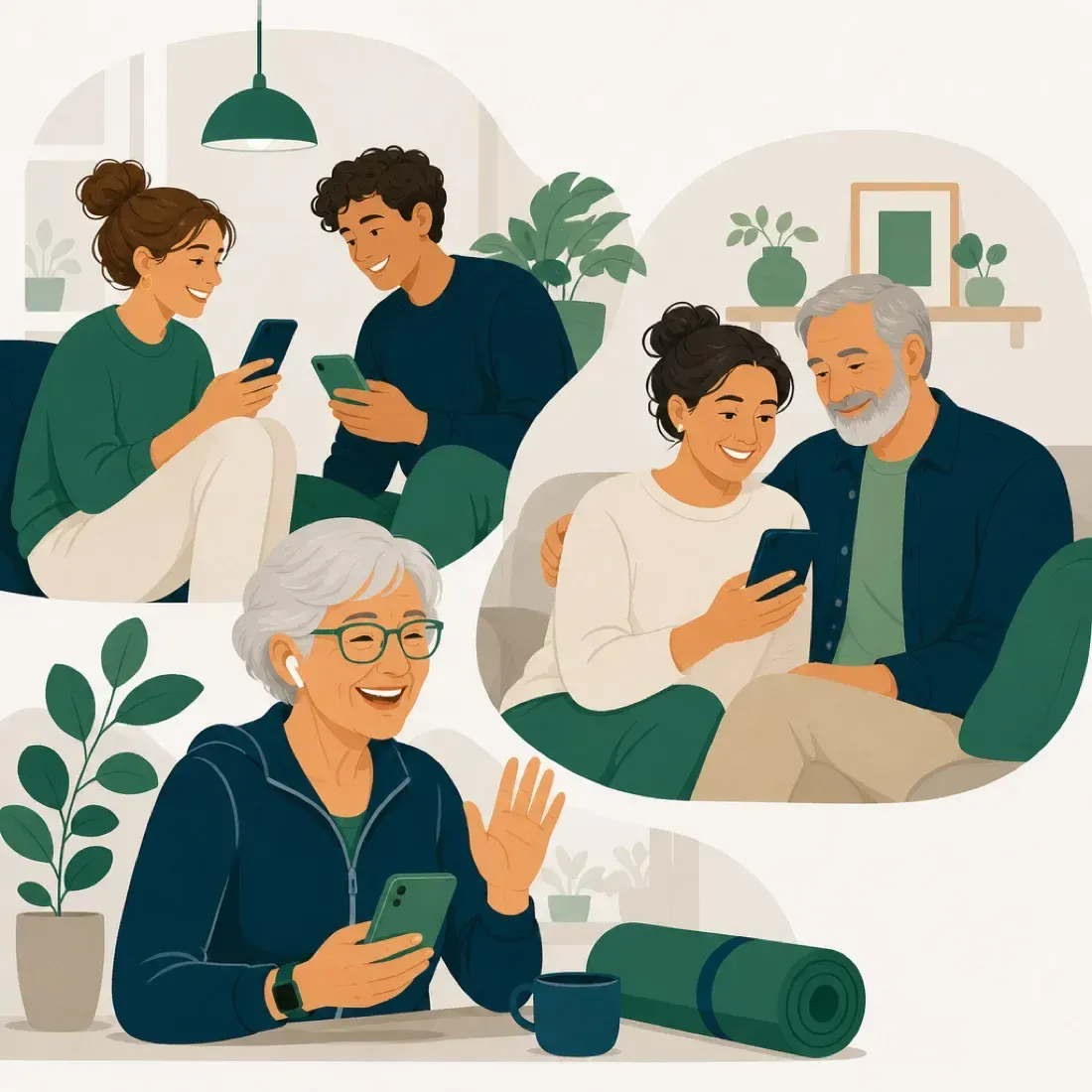
- Friends and familyConnect with the people you already know, so you have a shared tool when something feels off.
- Parents and young peopleContact fraud can go both ways between generations. Talk about it, and help each other toward a calmer everyday life.
- Get started togetherSome people are at home in apps. Others want a hand the first time. Sit down together, connect, and try it. After five minutes it runs itself.
How it works
ID-Truster is built for all your friends and your whole family. Most people are up and running in a few minutes, and the more of you who join, the better you look after each other.
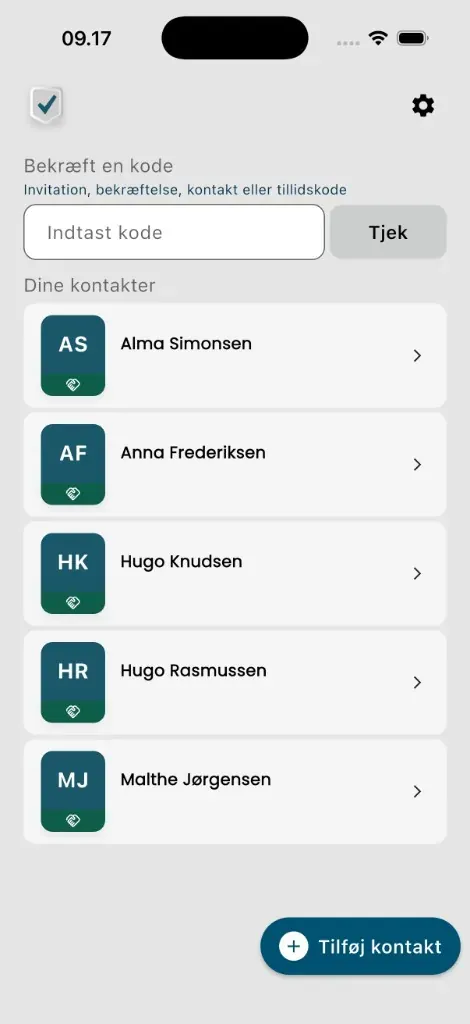
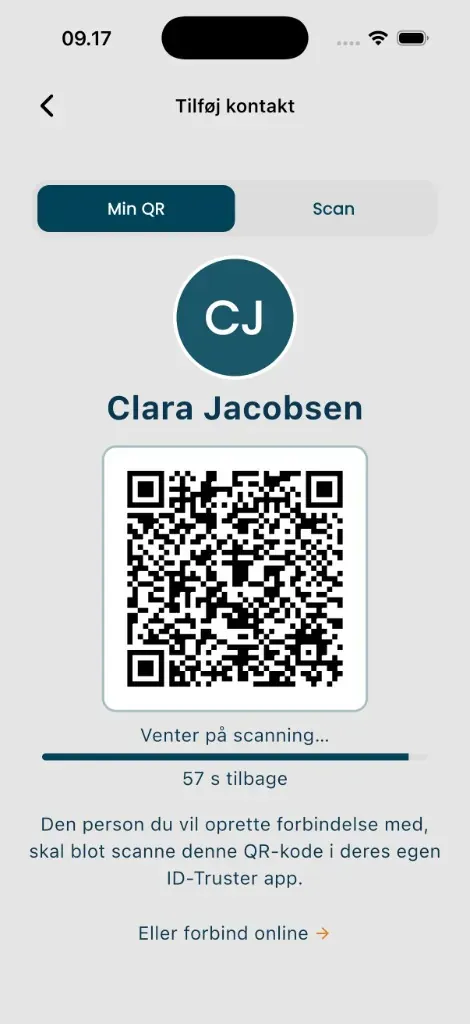
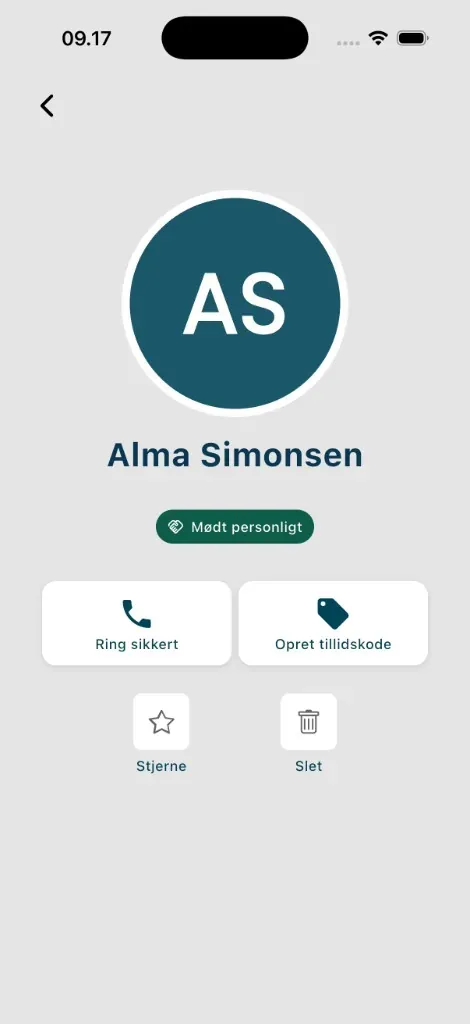
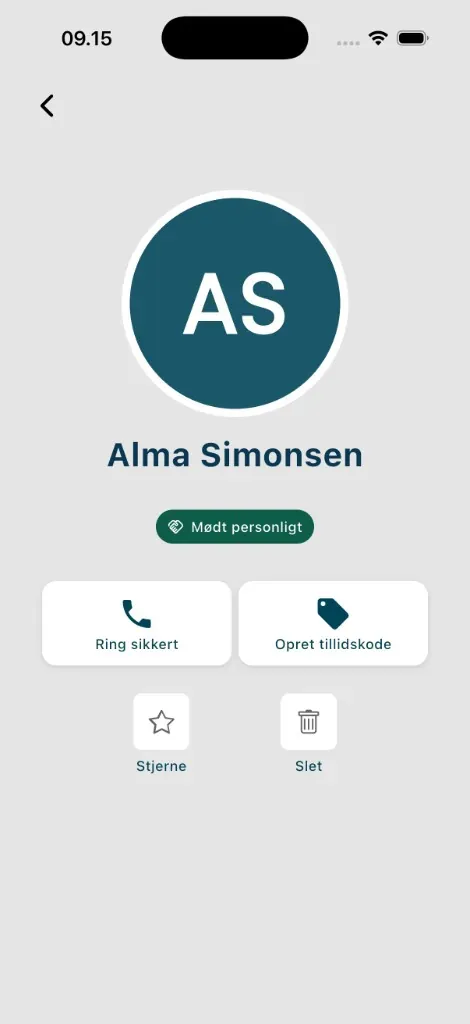
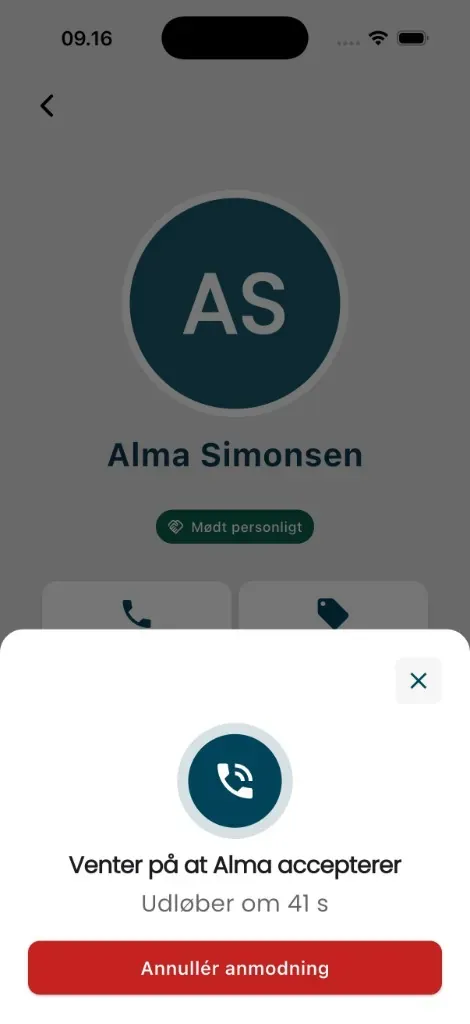
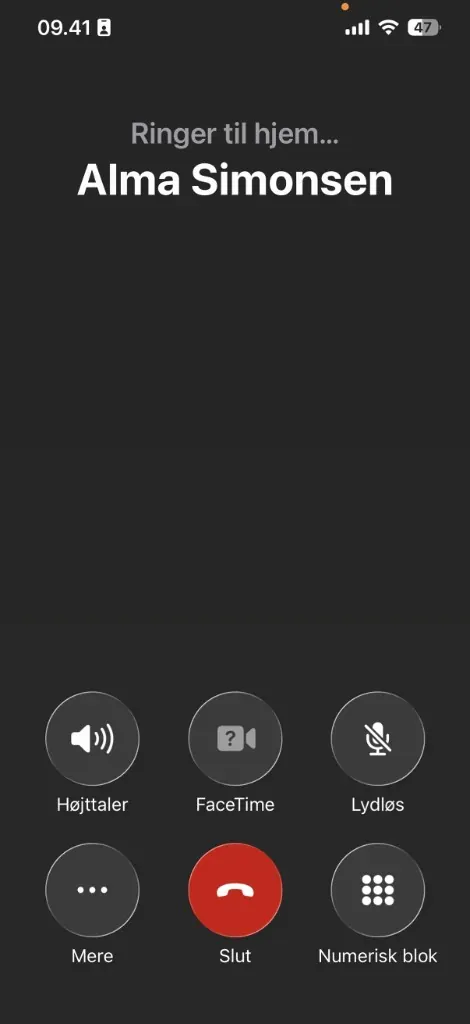
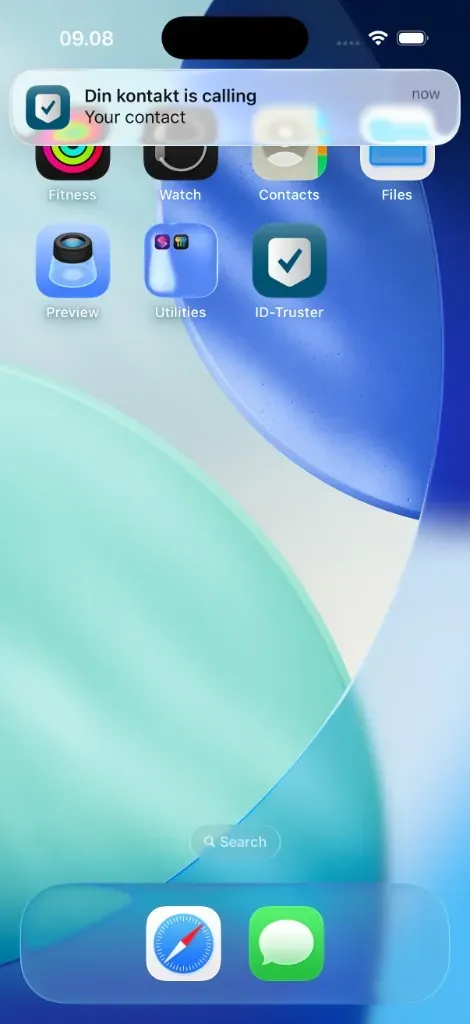
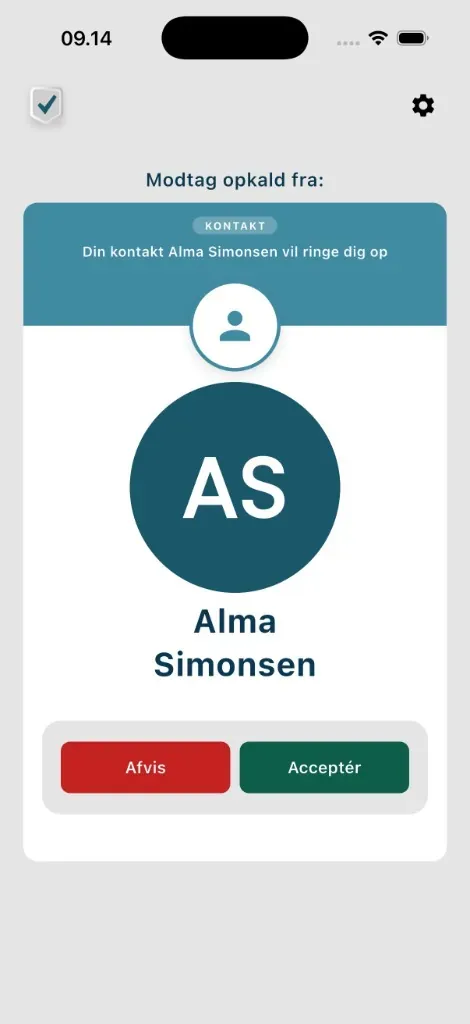
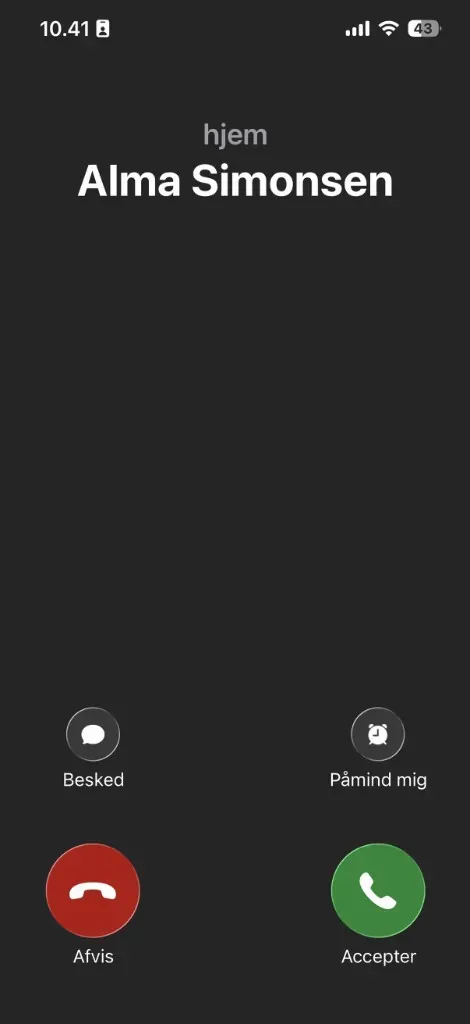
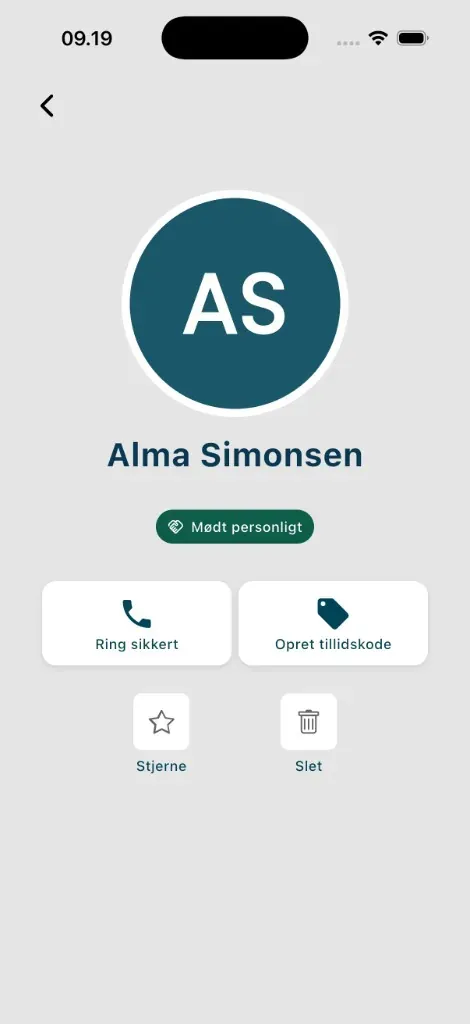
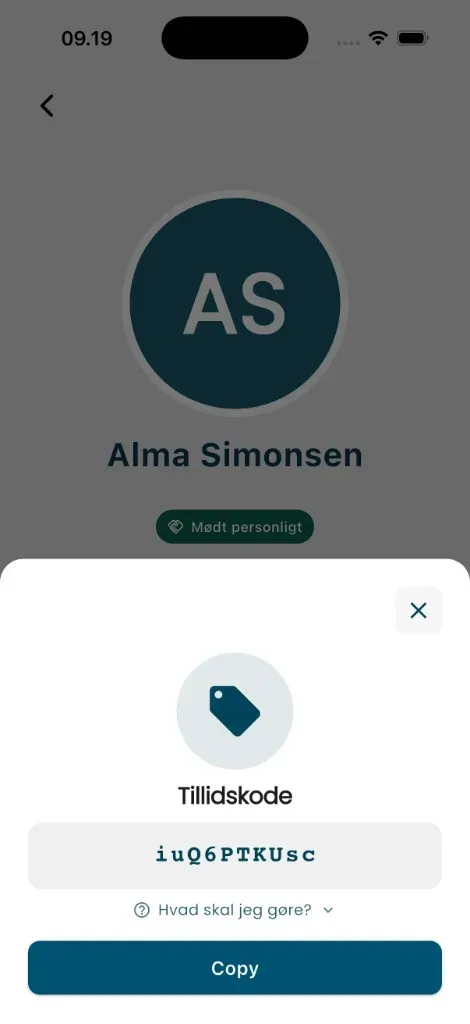
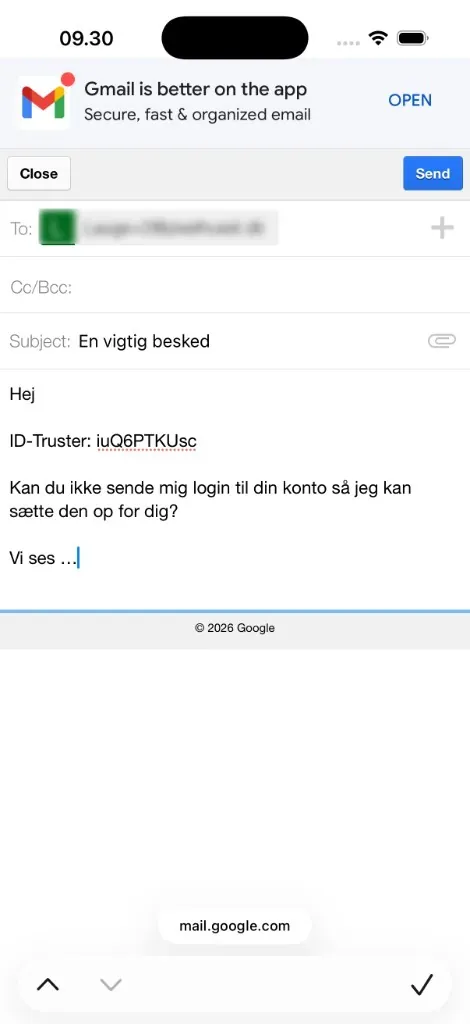
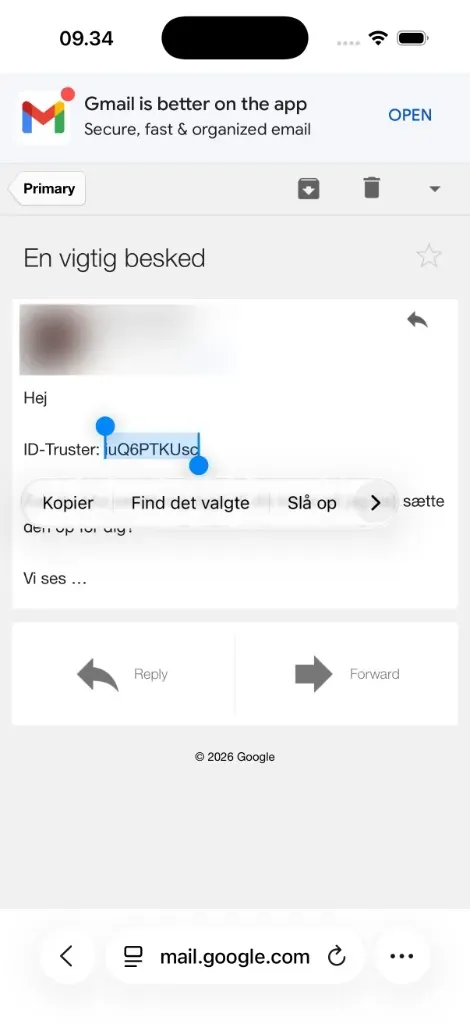
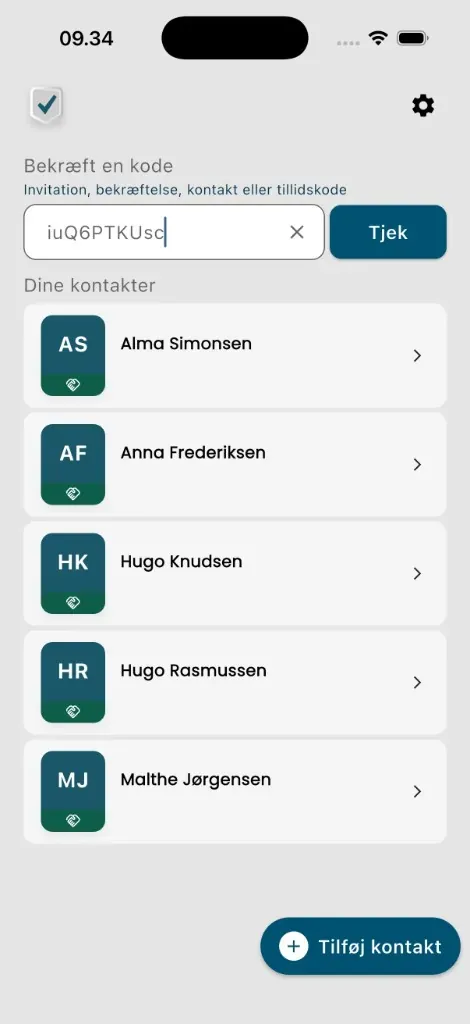
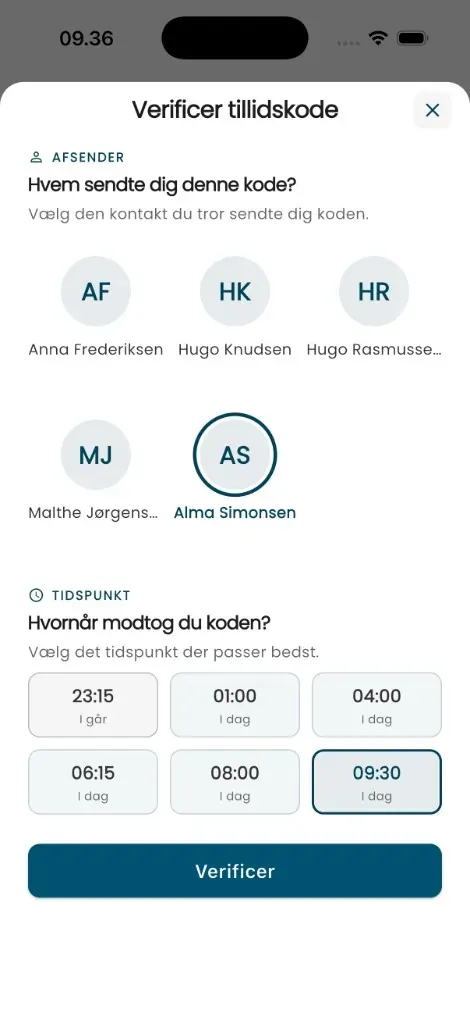
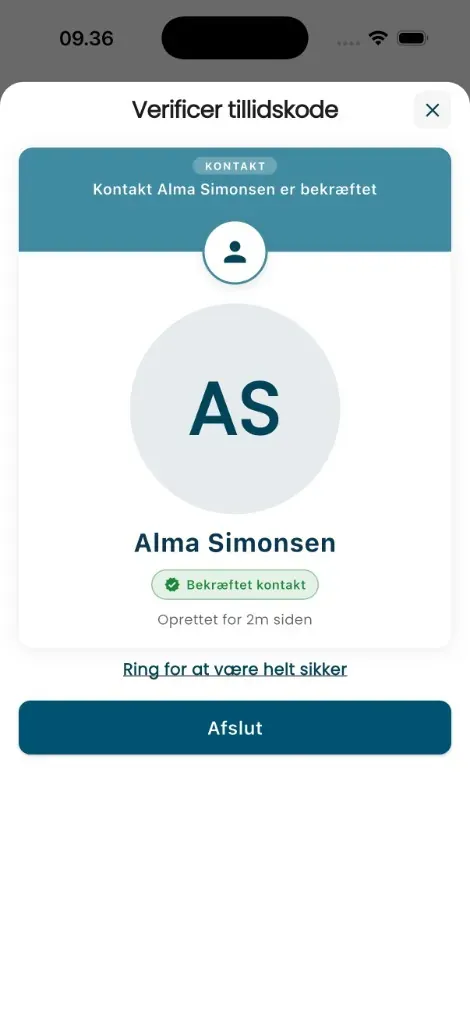
You both choose Add contact
Alongside, not instead
ID-Truster does not replace your phone, email, or chat. It is an extra layer of peace of mind that runs alongside what you already use.
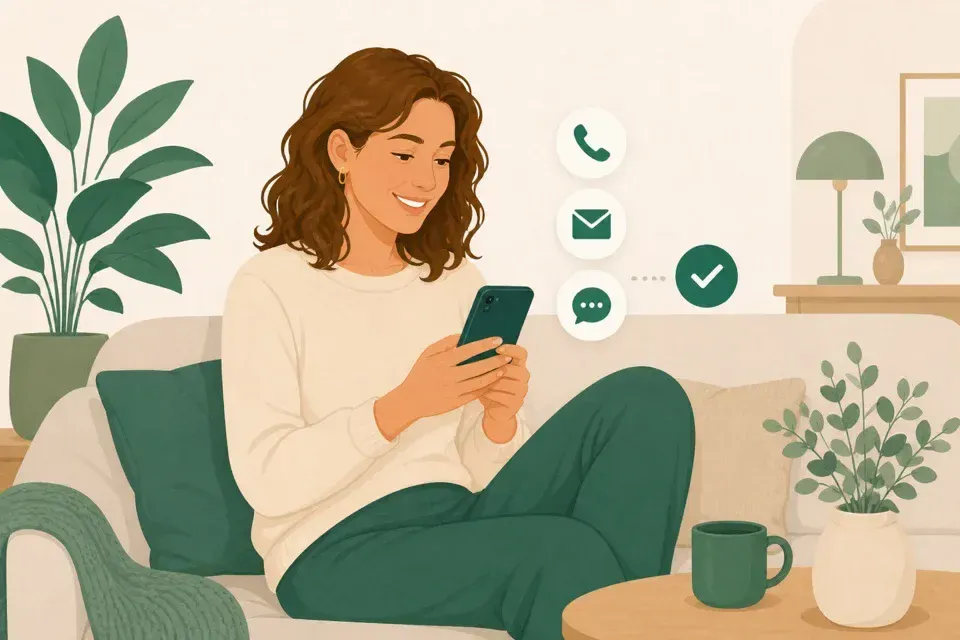
From businesses too
How it works when your bank calls or writes
Businesses can also use ID-Truster when they contact you. You check them in the same app you use with your family, and you do not need to add them as a contact. Even if your mom does not want to connect with anyone, she can still use the app to check the bank.
- When the bank callsYou get a message in the app before the phone rings. You see which business it is and accept. Then they call the way they always do.
- When the bank writesIf there is a trust code in the email or text message, you paste it into the app, tap Check, and answer a few questions. Then you know if the message is real.
- Free for youThe business pays. For you the app is free, whether you use it with your family, with businesses, or both.
Do you work at a business? Read about ID-Truster for businesses
For the person who starts the talk
A way to start the talk with the family
Here is help for the person who wants to start the conversation. You get something to say, and you get an agreement you can remember when someone asks for money, for secrecy, or for you to act now. Use it the first time you sit down together, and adapt it to you.
1. What you can explain first
Use this as background when you start the talk, and say it in your own words.
It has become harder to know who is actually calling or writing. A number on the screen can be faked, and a voice can sound like you without being you. That is not because you are careless. It is because the technology has changed.
What often goes wrong is hurry. Someone asks for money, gift cards, or something secret, and you have to act now. It helps to agree in advance how you check each other when something feels off.
2. Something you can say
“I have been thinking that we should have a shared way to check each other when a call or a message feels off.”
“Not because I think you will be fooled. But because it has become harder to know who is actually calling or writing. Especially if someone asks for money, or says it has to stay secret.”
“Shall we try a trusted contact book together? It is called ID-Truster, and it is free.”
3. Agree when you check
Suggest this to the family. It gives the most peace of mind to use ID-Truster every time you call each other. Then the person you call gets a message in the app before the phone rings. When you write about money or something private, you can send a trust code along, so you can check that the message comes from each other.
If you do not want to do it every time, at least agree when you always check. Pick one or two agreements everyone can remember:
“If any of us calls or writes about money, gift cards, MitID, or something urgent, we check in ID-Truster first, before we act.”
“If someone says it has to stay secret, or that we must not ask anyone else, we stop and check each other in ID-Truster.”
4. If someone says no
“That is completely fair. Shall we just try it together for five minutes, so you can see for yourself whether it makes sense?”
“This is not about any of us being careless. It is about looking after each other. Shall we do it together?”
5. If someone would rather skip the app
Many people want the peace of mind, but not another app. That is fine. You can still suggest an agreement without ID-Truster.
Suggest a shared code word in two parts, known only to you. Pick words that are easy for you to remember, and do not share them with more people than you need to. The more people who know the code, the weaker it gets. Change it now and then.
1. The person who calls or writes says the first part.
2. The person who answers says the second part.Only when both parts match do you go on.
Example: you agree on the code word red sofa / Monday.
One of you calls and says: “Hi, it is me. Red sofa.” (or however it comes out naturally)
The other answers: “Monday.”
Then you both know it is each other.If it does not work, or the person says the wrong part, hang up or do not reply. Call or write back the way you normally trust, before you do anything with money or anything important.
The app makes everyday life easier. The code word is a simple agreement you can use until everyone is ready.
6. Try it together
If you choose to use ID-Truster, help each other install the app and get started. Connect, and try it a few times. Call each other with a message before the call, and send each other a trust code in a message. The more you practice together, the more natural it becomes.
You are well on your way when you are connected, have tried it a few times, and have chosen your agreement.
Is someone still missing the invitation? Use the message you can copy, or get the app together now.
Frequently asked questions
Is ID-Truster free?
Yes. ID-Truster is free for everyone who wants to connect with family, friends, and other people they know.
Does the app replace our phone, email, or chat?
No. ID-Truster is a parallel layer beside the channels you already use.
Do we all need the app?
Yes. The peace of mind happens between the people who have connected in the app. That is why ID-Truster works best when the whole group is in: family, friends, and the people you care about. The more of you who use the app, the better you look after each other.
Why is the contact book on my phone not enough?
When you receive a call or a text message, it is actually the sender who decides which number you see on the screen. That is called spoofing. ID-Truster is built on a direct connection between your phones, so you can easily check that the sender is real.
What can ID-Truster see about us?
Almost nothing, and that is how it should be. The connection is encrypted with a key that only lives on your phones. We cannot see names or phone numbers in your trusted contact book, only the email the account was created with. Everything is built for GDPR, so your data stays with you.
Does it work if someone spoofs a phone number?
Spoofing cannot be stopped. That is how the phone network is built. So ID-Truster does something else. When both the caller and the person receiving the call use the app, the receiver gets a push notification just before the call. Then you know the call is real, whatever the screen says.
How does the app know the sender is real?
When you connect with a contact, the app automatically creates a shared encryption key that only the two of you have. When you call each other or send a trust code, the app uses that key to check that the sender is who you think. When a business calls or writes, ID-Truster uses a digital signature (Ed25519) all the way from the business to your app. The app checks the signature against a key the business has placed on its own domain. We do not guess. The app checks.
Is it hard to get started?
No, it is easy and quick. Each of you enters a name, an email, and a phone number. Then you are ready to connect with each other.
What is a trust code?
A trust code is a short code placed in an email, a text message, or a message on social media. You can create one for your contacts yourself, and businesses that use ID-Truster can place a trust code in the emails and text messages they send you. The code is made for one specific recipient, and only that recipient can check it. If someone else gets hold of the code, they cannot use it for anything.
What if someone else sees my trust code?
That is fine. When you create a trust code, you first choose in the app which contact the code is for, and the code is locked to that recipient. Even if someone else sees the code or forwards it, it does not work for them, and it cannot be used to pretend to be you. The code also expires on its own after 24 hours.
Who is behind ID-Truster
Kasper and Peter have each spent 30 years building software that is easy to use. They saw how trust in everyday life became harder to hold on to when calls and messages can be faked. ID-Truster is built to create digital peace of mind.
Kasper and Peter
Founders

Get started together
Download the app, connect with friends and family, and add an extra layer of trust to everyday life.
Free for private useMade in DenmarkCo-funded by the EU
Network and partners